


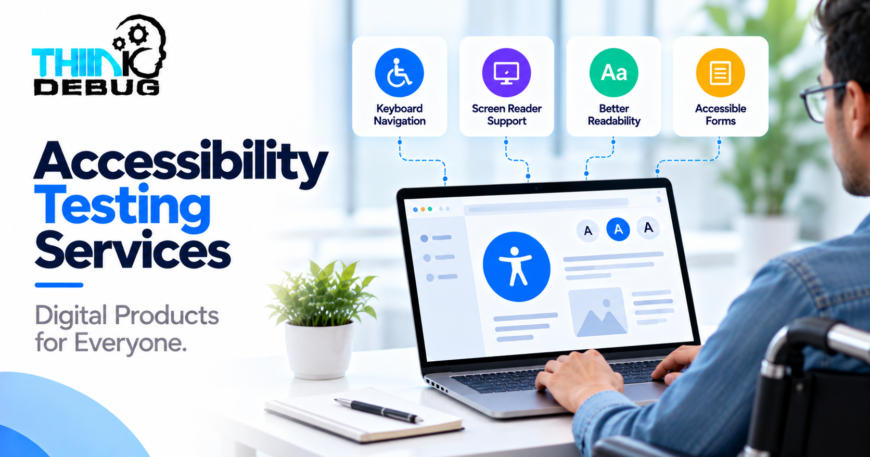
A website may look excellent on a desktop screen but still be difficult to use for someone navigating with a keyboard or relying on a screen reader.
These barriers can prevent people from accessing information, completing forms, purchasing products, or using essential digital services.
Accessibility testing services help businesses identify and address these barriers so their websites and applications can serve a broader range of users.
Digital accessibility is not simply a design preference. It is an important consideration for usability, inclusion, and responsible product development.
ThinkDebug can incorporate accessibility considerations into website, application, and UI/UX development workflows to help businesses create more usable digital experiences.
What Is Accessibility Testing?
Accessibility testing evaluates whether a digital product can be used by people with different abilities, including people with visual, hearing, motor, or cognitive disabilities.
Testing can examine whether users can navigate a website without a mouse, understand content with assistive technology, distinguish important interface elements, and complete essential tasks.
The Web Content Accessibility Guidelines (WCAG) provide widely used recommendations for making web content more accessible.
The objective is to identify barriers and make practical improvements—not merely to pass an automated scan.
Key Areas Covered in Accessibility Testing
1. Keyboard Navigation
Some users navigate websites without a mouse.
Testing should verify that interactive elements can be accessed and operated using a keyboard, that focus moves in a logical order, and that users do not become trapped inside menus or dialogs.
2. Screen Reader Compatibility
Screen readers help users access digital content through speech or braille.
Testing can check whether buttons, form fields, headings, images, and navigation elements have meaningful labels and are announced in an understandable order.
3. Color Contrast and Readability
Text that blends into its background can be difficult to read.
WCAG 2.2 Level AA generally requires a contrast ratio of at least 4.5:1 for normal text and 3:1 for large text, subject to specified exceptions.
Testing should also consider font sizing, spacing, visible focus indicators, and whether information relies on color alone.
4. Forms and Interactive Elements
Forms are essential to registrations, contact inquiries, payments, and bookings.
Accessibility testing can identify missing labels, unclear validation messages, inaccessible dropdowns, and errors that are difficult to understand or correct.
5. Images, Audio, and Video
Meaningful images should have appropriate text alternatives. Videos may need captions, while other multimedia content may require additional accessible alternatives depending on its purpose.
The goal is to ensure that important information is not available only through one sensory channel.
Automated and Manual Accessibility Testing
Effective accessibility testing uses more than one method.
Automated testing can identify certain technical issues, including some contrast problems, missing labels, and structural errors.
Manual testing helps evaluate keyboard navigation, focus behavior, screen reader output, and interaction patterns that automated tools may not fully understand.
Assistive technology testing provides additional insight into how the product works with tools people actually use.
No single automated scan can establish that a complete website or application is accessible. Combining automated checks with manual evaluation and, where appropriate, testing with users with disabilities provides a stronger assessment.
Accessibility Testing for Websites and Mobile Apps
Different products have different accessibility challenges.
-
Business websites: Accessible navigation, readable content, forms, and contact options.
-
E-commerce platforms: Product information, filters, cart controls, and checkout workflows.
-
Mobile applications: Screen reader support, touch targets, orientation, and platform accessibility features.
-
SaaS platforms: Dashboards, data tables, menus, dialogs, and complex workflows.
-
Booking applications: Date pickers, time-slot selection, payment flows, and confirmation messages.
Testing should focus on the complete user journey, not just individual screens.
How Accessibility Testing Works
A structured testing process helps teams turn findings into practical improvements.
-
Define the scope: Identify the website, application, pages, and critical workflows to evaluate.
-
Review applicable standards: Determine the appropriate accessibility requirements, such as WCAG 2.2 Level AA where relevant.
-
Run automated checks: Identify common technical accessibility issues.
-
Perform manual testing: Examine keyboard behavior, labels, focus order, content structure, and interactive elements.
-
Document findings: Record the issue, affected component, user impact, and recommended correction.
-
Prioritize fixes: Address barriers according to their severity and impact on essential tasks.
-
Retest improvements: Verify that changes resolve the identified problems without introducing new issues.
Benefits of Accessibility Testing for Businesses
Reach More Users
Accessible products can support people with different abilities, devices, and interaction preferences.
Improve Overall Usability
Clear labels, logical navigation, readable text, and understandable error messages can benefit many users, not only those with disabilities.
Identify Issues Earlier
Addressing accessibility during design and development can reduce the cost and complexity of correcting problems later.
Support Compliance Efforts
Accessibility requirements vary by jurisdiction, industry, and product. Testing against applicable standards can help businesses identify gaps, although testing alone does not guarantee legal compliance.
Why Choose ThinkDebug?
ThinkDebug provides digital product development and UI/UX design services that can incorporate accessibility considerations into design, implementation, and testing workflows. Its UI/UX offering includes usability testing and iterative improvements.
An accessibility-focused review can help teams identify usability barriers, prioritize improvements, and make their digital products more inclusive.
For projects with formal compliance requirements, the scope should specify the applicable standard, conformance level, supported platforms, and testing methodology.
Conclusion
Accessibility should be considered throughout the digital product lifecycle rather than added as an afterthought.
Accessibility testing services help businesses identify barriers, improve usability, and make websites and applications more inclusive. By combining automated checks, manual evaluation, and appropriate assistive technology testing, teams can make meaningful improvements to the digital experience.
Want to make your website or application more accessible? Contact ThinkDebug to discuss accessibility testing and practical improvements for your digital product.
